EnvelopeBudget now speaks your language
EnvelopeBudget is now available in English, German, Spanish, French, Brazilian Portuguese, and Swedish across the web app, mobile app, emails, and help center.

A budget is personal. It's easier to stick with one when the app speaks the language you think about money in.
EnvelopeBudget is now available in six languages:
- English
- Deutsch (German)
- Español (Spanish)
- Français (French)
- Português (Brazilian Portuguese)
- Svenska (Swedish)
Pick a language from the flag
In the web app, click the flag next to the theme button in the top bar and choose your language. The page reloads in that language right away.
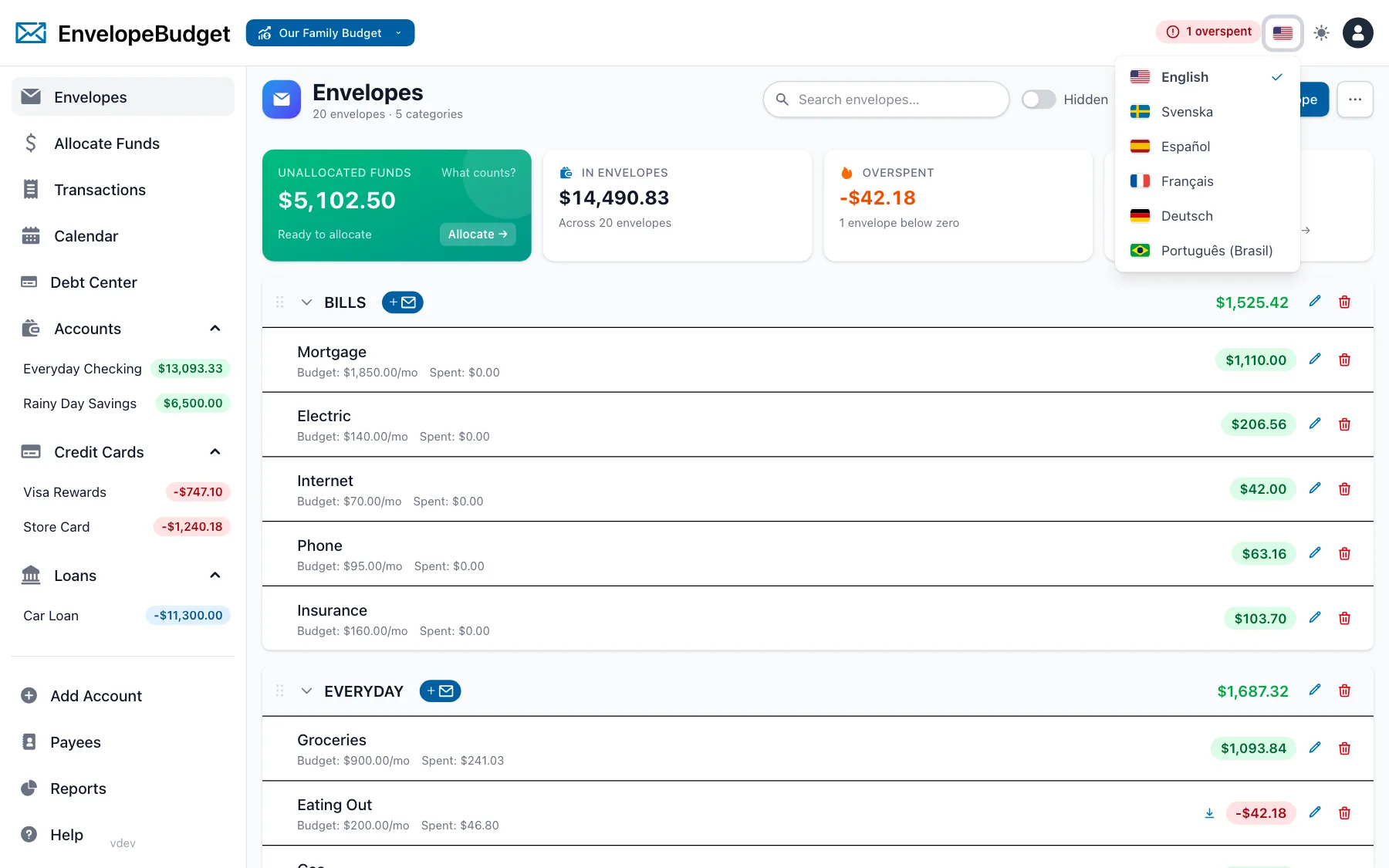
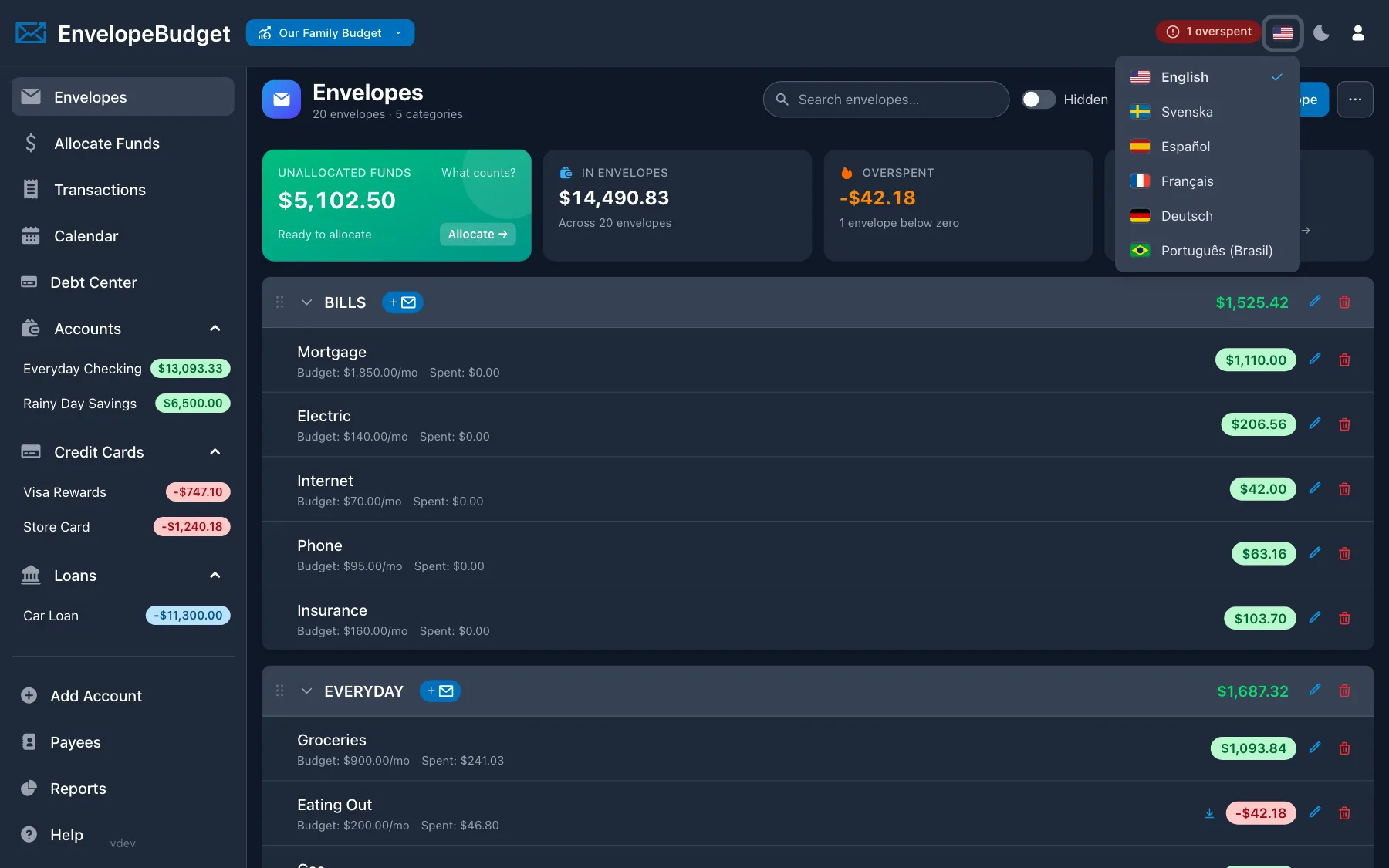
Each language is listed by its own name, so you can always find yours, even if the app is currently showing a language you don't read.
You can also change it under Profile → Language. Leave it on the default setting and EnvelopeBudget follows your browser's language.
One setting, everywhere you budget
Your language is saved to your account, not just to one browser, so it follows you:
- The web app: envelopes, transactions, allocations, reports, settings, and the rest of the interface.
- The mobile app: it picks up your account's language when you sign in. You can also change it under Settings → Language, or leave it on System default to match your phone.
- Emails: notifications and other messages from EnvelopeBudget arrive in your language.
- The help center: every help article is available in all six languages.
- What's New: release notes in the app are translated too.
The EnvelopeBudget Helper Chrome extension follows Chrome's own language setting.
Your money formatting stays the same
Language and money formatting are separate settings. Your currency, number format, and date format belong to each budget, so switching the app to French won't change how a US-dollar budget shows amounts.
That also means a household can share one budget while each person uses the app in the language they prefer.
Help us get it right
The translations are new. If a word sounds off or a phrase doesn't fit how people talk about budgeting where you live, please let us know. We'd rather fix it than have it stand in your way.
Start your free trial or sign in and pick your flag.