iPhone & iPad
iOS and iPadOS 15.0 or newer
Install from the App Store. Updates arrive automatically, Face ID unlocks the app, and membership can be managed in-app.

iPhone · iPad · Android
Open an envelope before you swipe, log the purchase in two taps, and watch the same numbers update on your partner's phone and the web. Free to install, signs in with your EnvelopeBudget account.

New here? Create your free account first, then sign in on your phone.
Not a read-only companion
Everything you do on the web you can do on your phone, laid out for quick checks and quick entries.
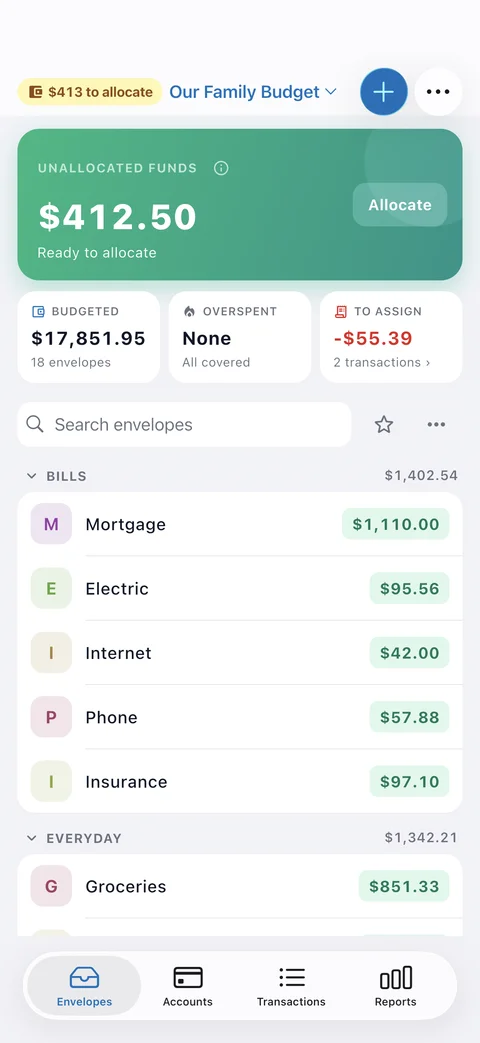
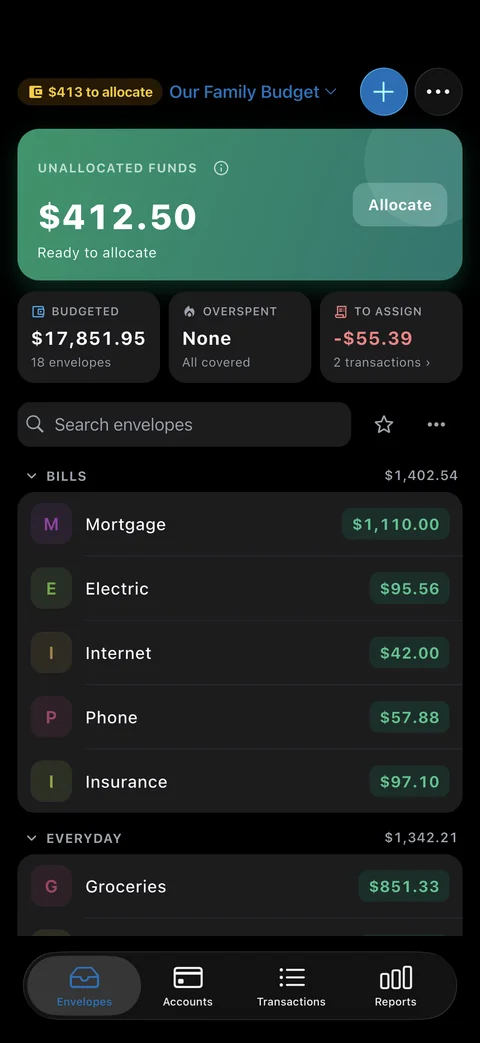
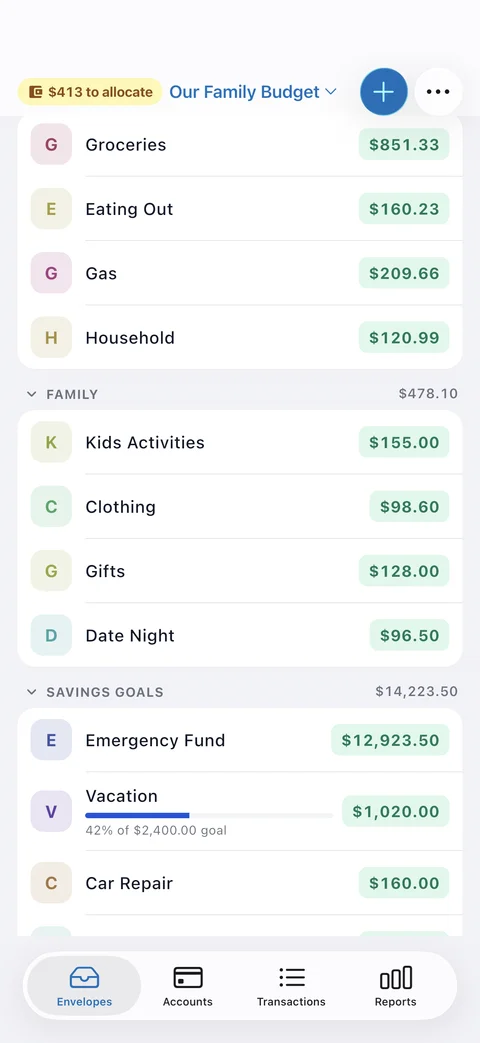
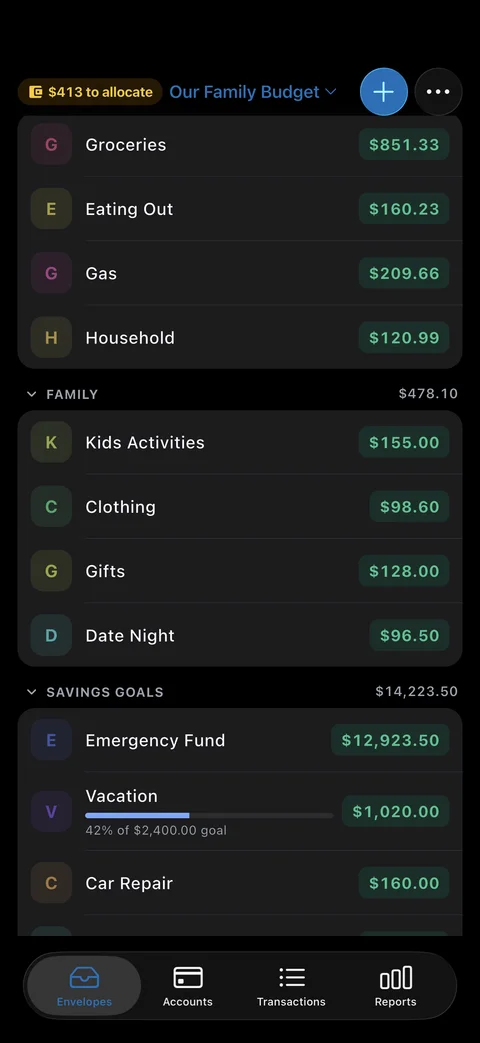
Every envelope balance on one screen, grouped the way you group them. Search, favorites, and a running total per category.
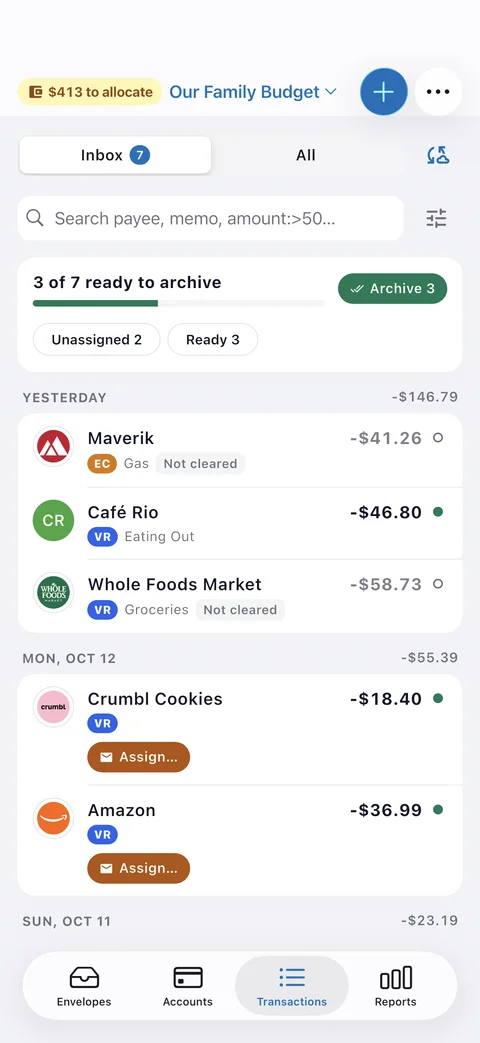
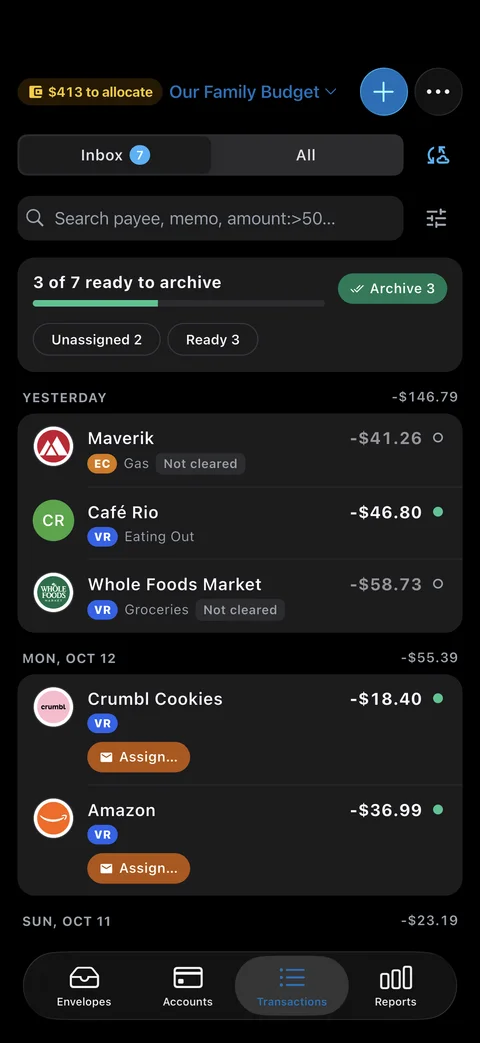
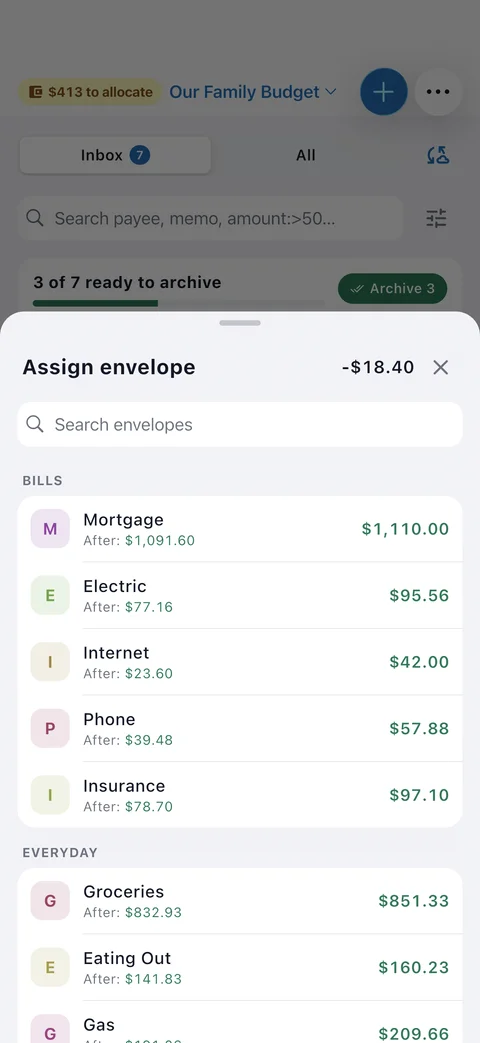
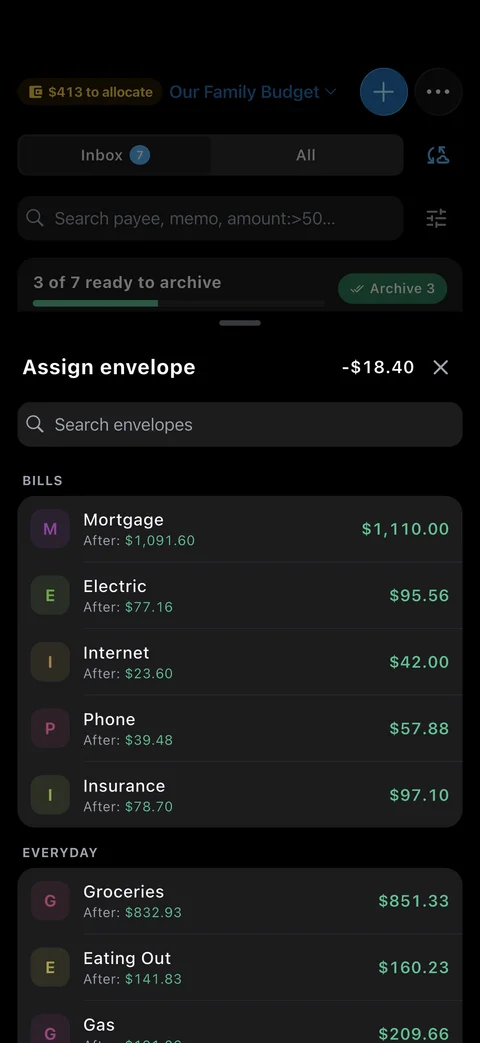
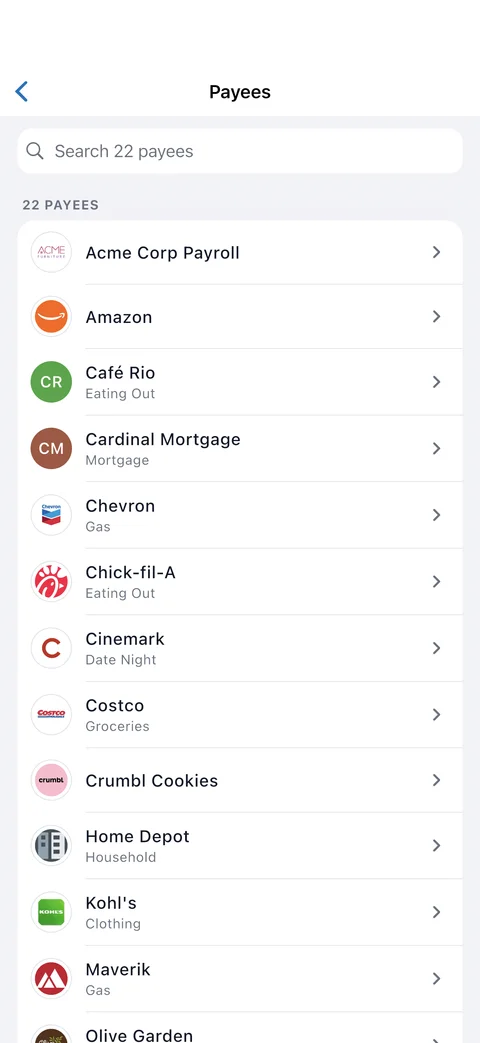
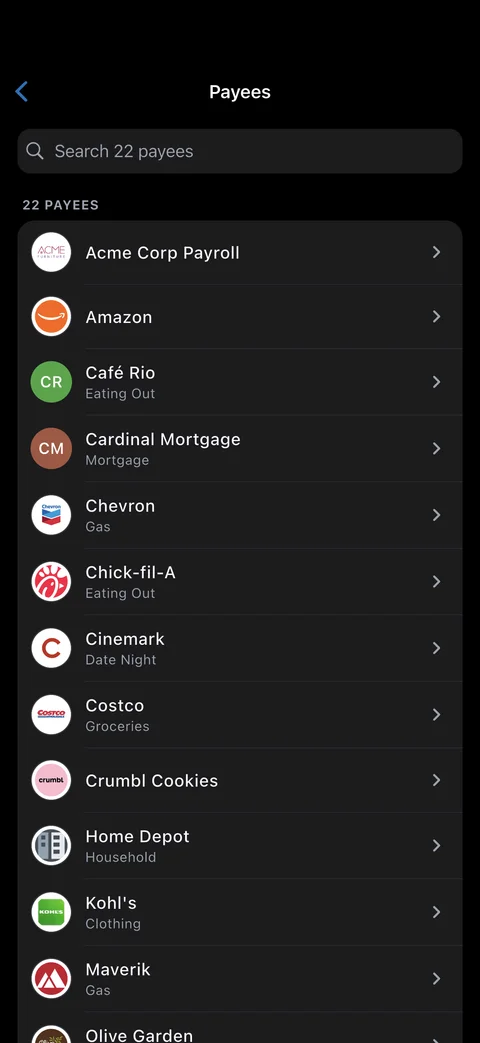
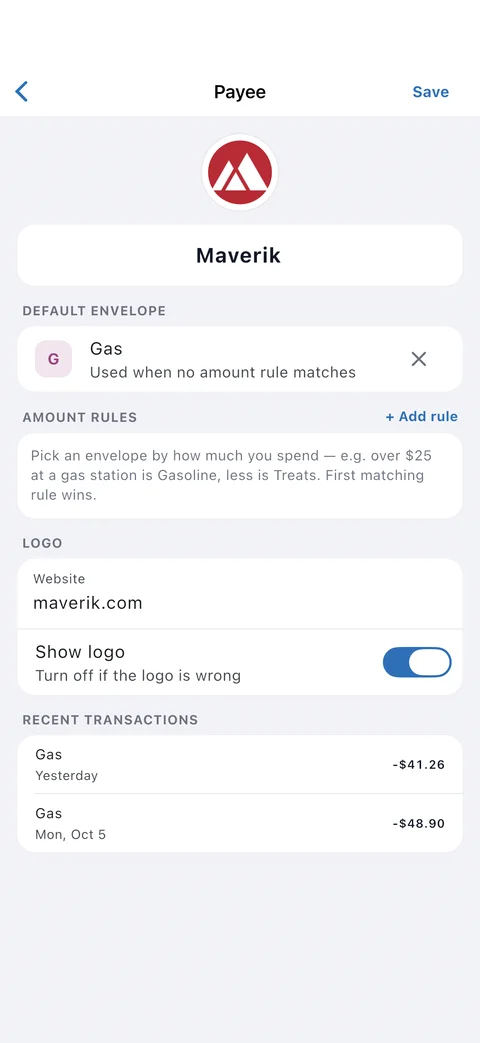
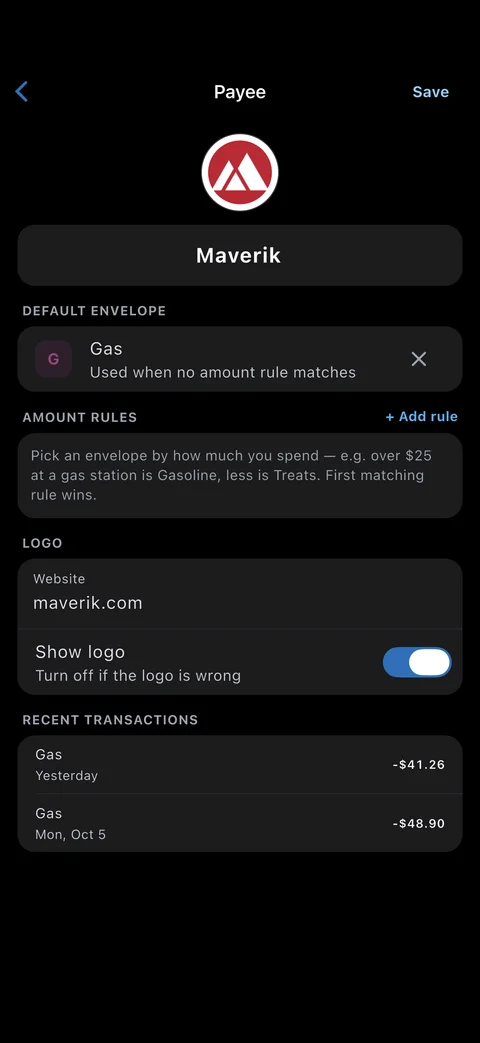
Add a purchase with payee, envelope, and amount. Rename rules learn how your imports should look.
Log transactions without signal. They queue and sync when you're back online, and the app refreshes itself after time away.
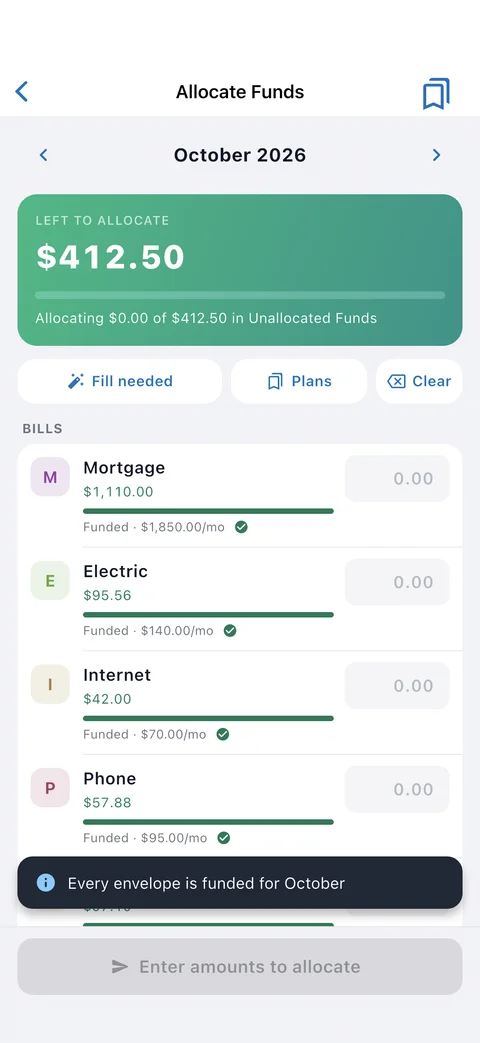
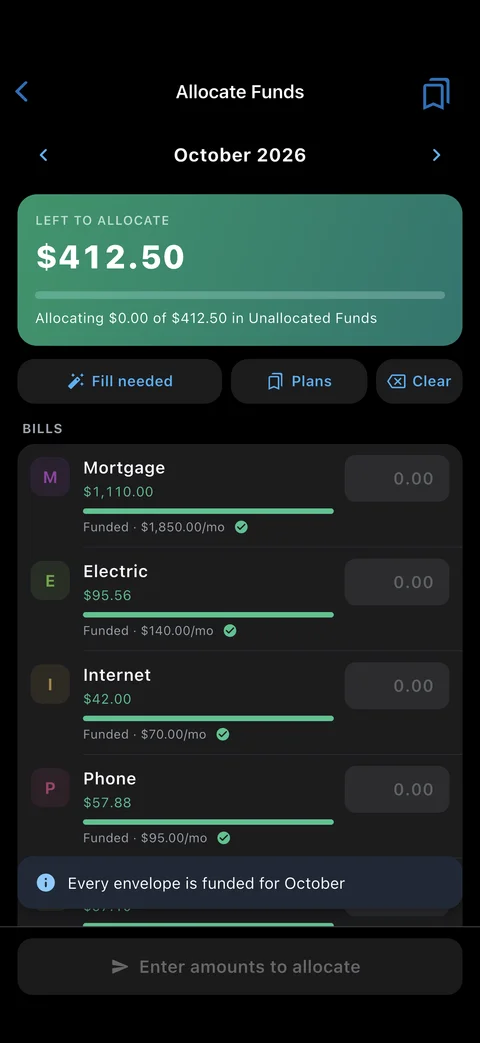
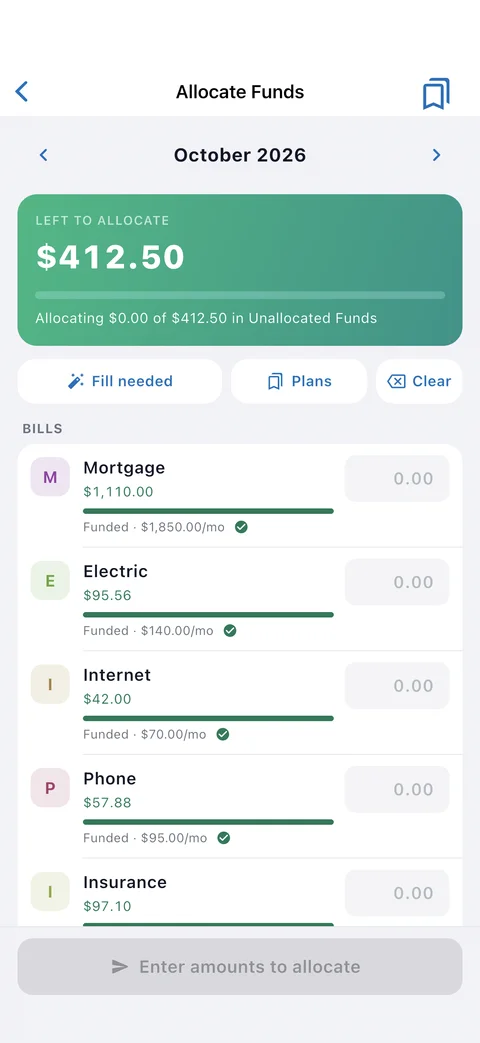
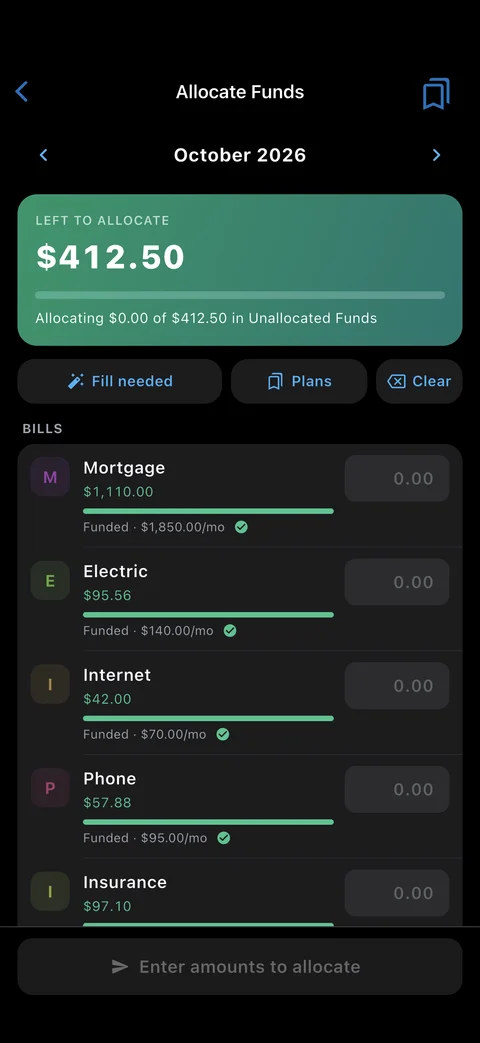
Fill envelopes from Unallocated Funds, reuse a saved paycheck plan, and move money between envelopes when plans change.
Imported transactions wait for a quick review. Assign, archive, or fix in bulk from your phone.
Enter the statement balance and see the difference before anything changes. Face ID unlock on iPhone.
Spending, budget vs actual, net worth, and savings-goal progress on the Reports tab.
Budget Bootcamp gives new budgeters one small quest a day, with optional reminders and a weekly review.
Real screens
Install
iOS and iPadOS 15.0 or newer
Install from the App Store. Updates arrive automatically, Face ID unlocks the app, and membership can be managed in-app.
Android 7.0 or newer
Install from Google Play for automatic updates, or download the APK directly.
Version 1.0.7 (build 40). Open the downloaded APK and, if prompted, allow your browser to install apps. For updates, download and install the newer APK from this page.
Switching between Google Play and APK installs may require uninstalling because their signing certificates can differ. Make sure your budget is synced first; uninstalling removes local app data.
Not ready to install an app? EnvelopeBudget also works in any modern mobile browser. Use it on the web
The app is new to both stores, and reviews are how the next family finds it. A sentence or two makes a real difference to an independent team.
Found a bug instead? Tell us directly and we'll fix it.
Yes. The app is free to install on iPhone, iPad, and Android. It signs in with your EnvelopeBudget account, which includes a 34-day free trial and then costs $4 a month, $40 a year, or a one-time $60 lifetime membership.
Yes. You can view your envelopes and add transactions without a connection. Queued transactions sync automatically when you are back online.
Yes. Family & Team gives each person their own login on one membership, with viewer or editor access per budget. Everyone sees the same balances in real time.
iOS and iPadOS 15.0 or newer, and Android 7.0 or newer. On Android you can install from Google Play or download the APK directly from this page.