1
Add the MCP server
Add https://envelopebudget.com/mcp as a Streamable HTTP server in a client that supports OAuth discovery and dynamic client registration.
EnvelopeBudget's remote Model Context Protocol server lets compatible AI assistants review the budgets you authorize and summarize bounded date ranges. OAuth connections start read-only. Sign in through your browser, choose the budgets to share, and approve only the categorization permissions a trusted client needs. Existing API keys still work.
Requires an EnvelopeBudget account and a compatible Streamable HTTP client. Use browser OAuth with discovery and dynamic client registration, or an existing developer API key.
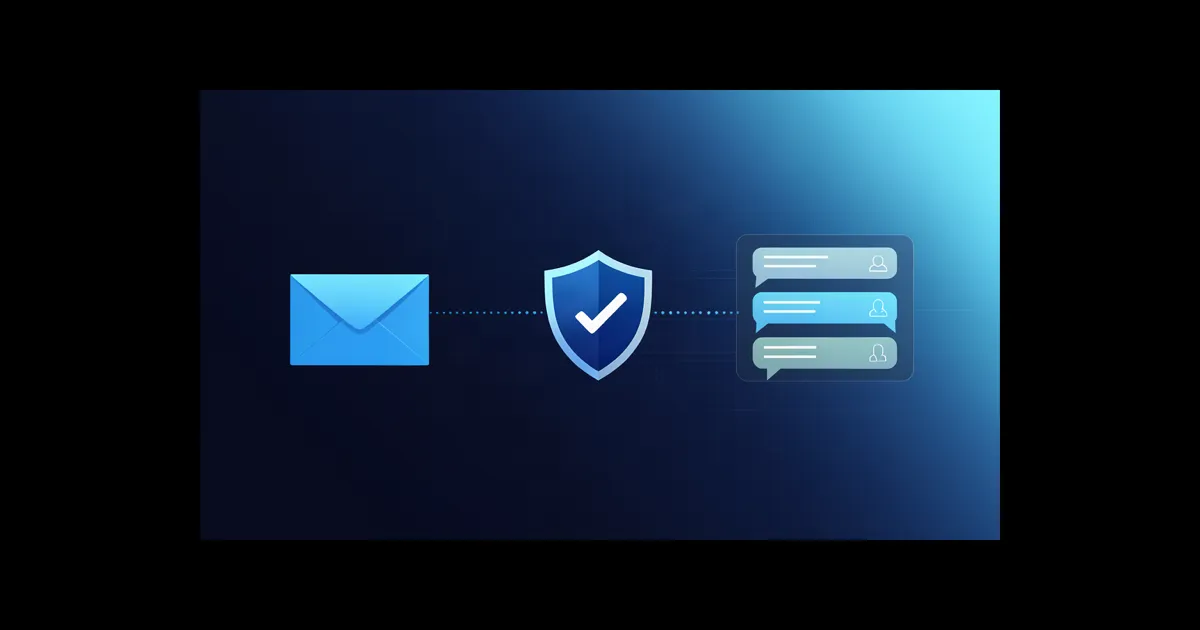
A safer starting point for financial AI
MCP gives your assistant structured tools instead of making you export a spreadsheet and explain every column. EnvelopeBudget defaults to read-only access and makes selected budgets and optional categorization permissions explicit at browser consent.
Add https://envelopebudget.com/mcp as a Streamable HTTP server in a client that supports OAuth discovery and dynamic client registration.
Sign in on EnvelopeBudget in your browser. Select the budgets to share and review the requested permissions. Write permissions are unchecked by default.
Ask for a spending summary or funding plan. An explicitly authorized connection may resolve selected suggestions or assign recently observed inbox transactions with stale-state protection.
What your assistant can review
The write boundary
OAuth does not expand the write boundary. Budget membership, role, selected-budget grants, and tool permissions are enforced by the server.
Client setup
OAuth 2.1 browser authorization supports public dynamic client registration (RFC 7591), authorization-server discovery (RFC 8414), protected-resource discovery (RFC 9728), and mandatory S256 PKCE. Existing static API-key configurations remain supported. Client support varies; the documentation links below are not a claim that each client has been verified with this OAuth flow.
Remote server headers with environment interpolation.
Client docs ↗HTTP servers with password-style input prompts.
Client docs ↗A local bridge for versions that cannot attach a static remote credential.
Bridge docs ↗Remote HTTP MCP configuration in config.yaml.
Client docs ↗MCP gives your chosen client and AI provider access to sensitive financial data returned by the tools it calls. Review that provider's data policies before connecting.
“List my budgets, then summarize this month's available funds, spending, and cashflow for Household.”
“Show uncategorized transactions in Household from the last 14 days. Do not include memo text.”
“Review the last 90 days of cashflow and suggest a monthly funding plan. Do not change anything.”
“Review my pending categorization suggestions. Approve only the grocery and utility suggestions I name, and leave everything else unchanged.”
“Review these uncategorized inbox transactions, assign the five I confirm to the envelopes we discussed, and leave the rest unchanged.”