Media kit
Logos, screenshots, and quick facts for writing about EnvelopeBudget. Grab what you need; no need to ask first.
Logos
SVG scales to any size. PNGs have transparent backgrounds unless noted.





Icons
For avatars, favicons, and anywhere the full logo is too wide.


Square icon
Avatars, directory listings, and app roundups.

Brand colors
The logo is one color. Use blue when you can, black or white when you can't.
EnvelopeBudget Blue
HEX #0073B8
RGB 0, 115, 184
Black
HEX #000000
RGB 0, 0, 0
White
HEX #FFFFFF
RGB 255, 255, 255
Please do
- Write the name as EnvelopeBudget: one word, capital E and B.
- Leave clear space around the logo at least the height of the envelope's flap.
- Pick the version with the most contrast against your background.
- Link to envelopebudget.com when you mention us online.
Please don't
- Stretch, skew, rotate, or recolor the logo.
- Add shadows, outlines, or effects.
- Put the blue logo on a busy photo or a dark background.
- Use the logo in a way that suggests we endorse your product.
Product screenshots
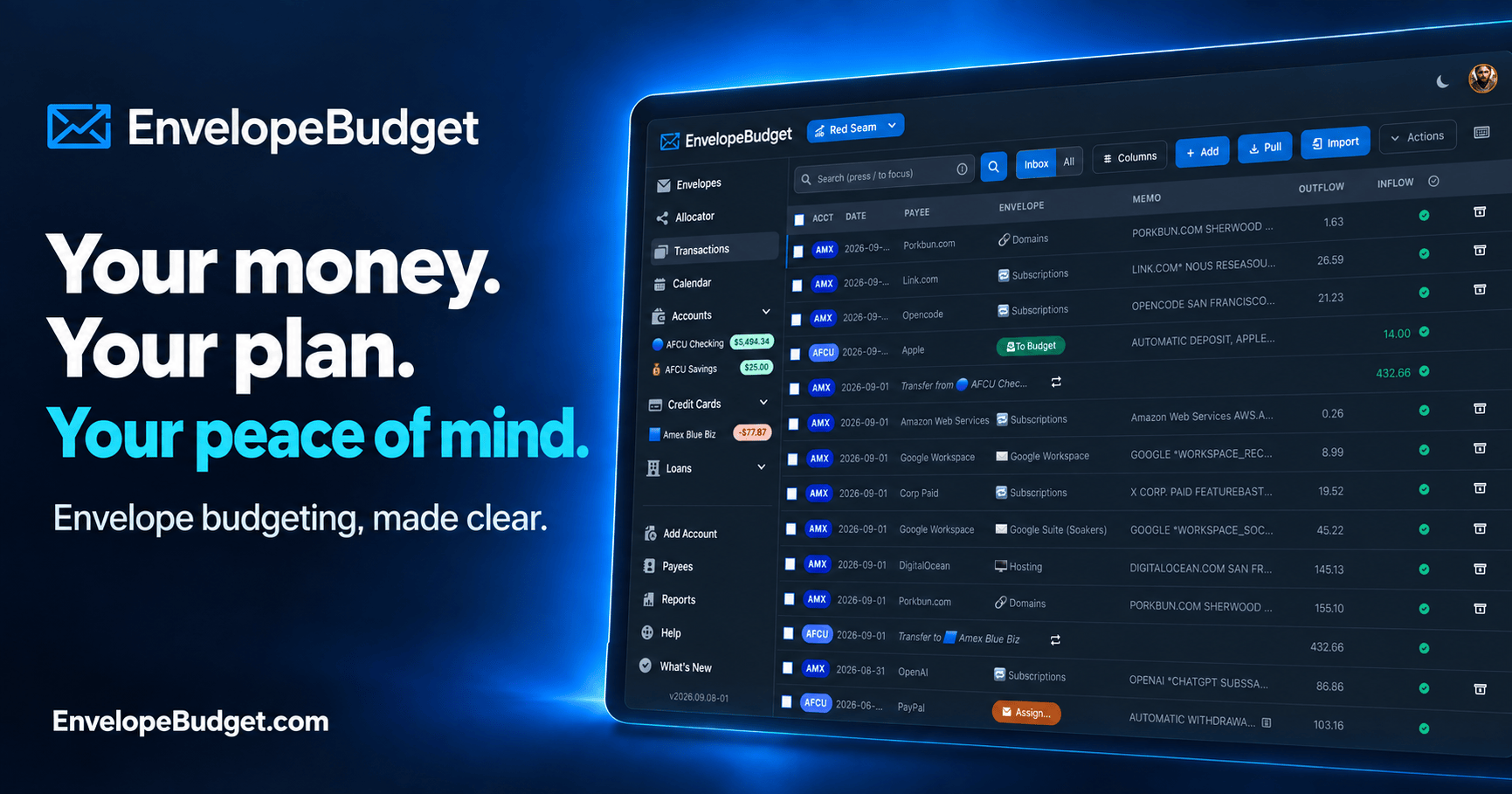
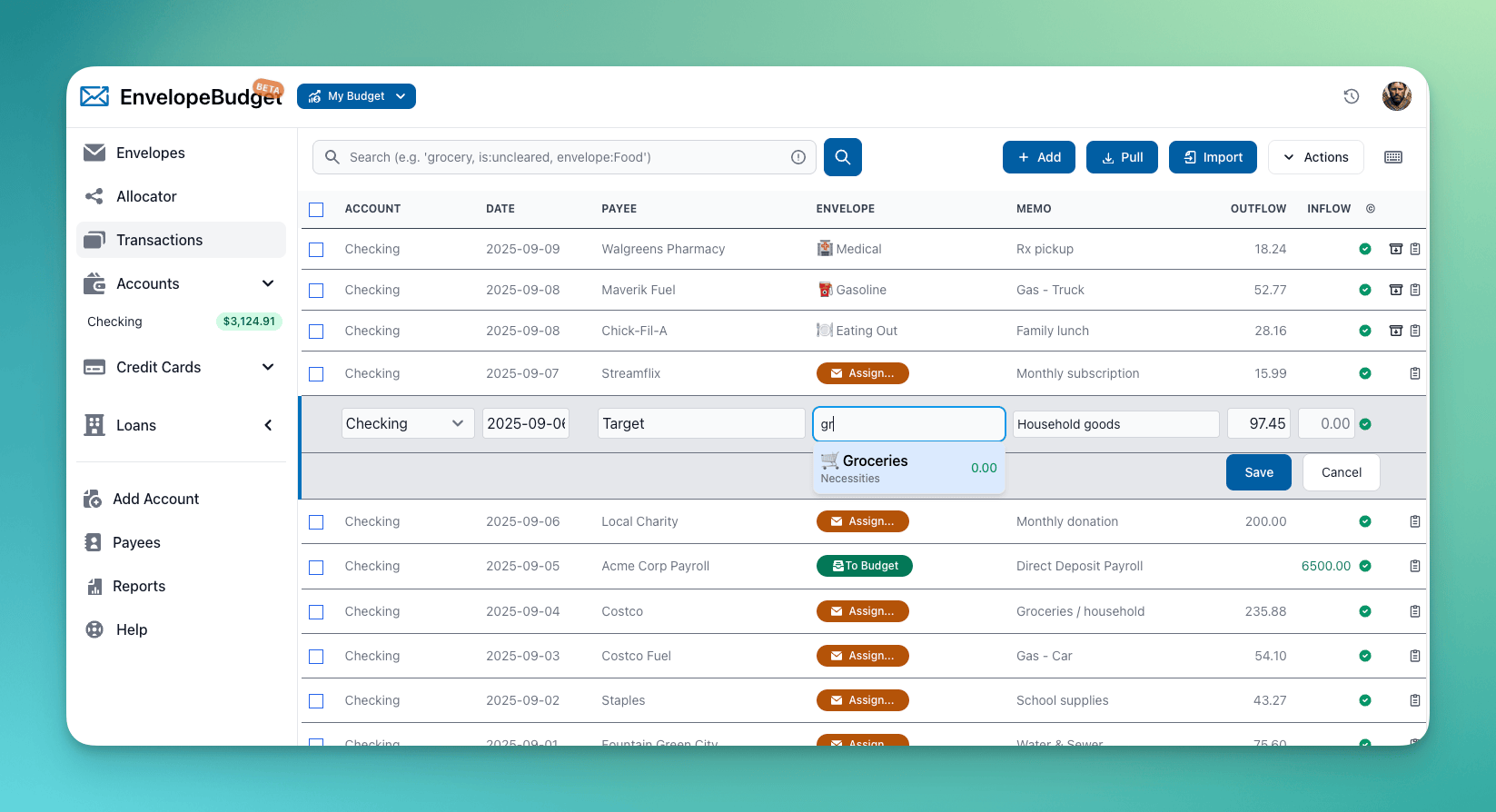
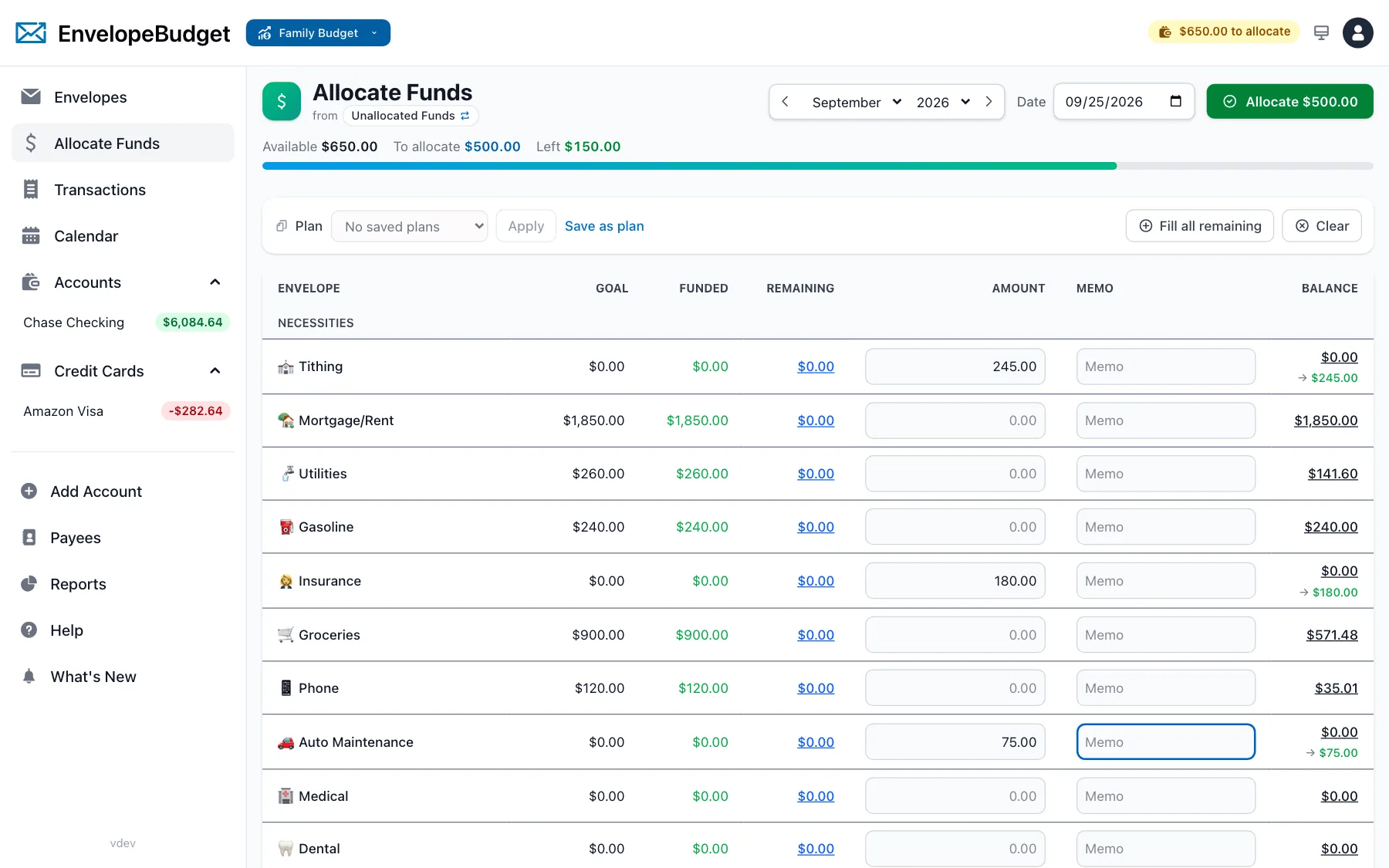
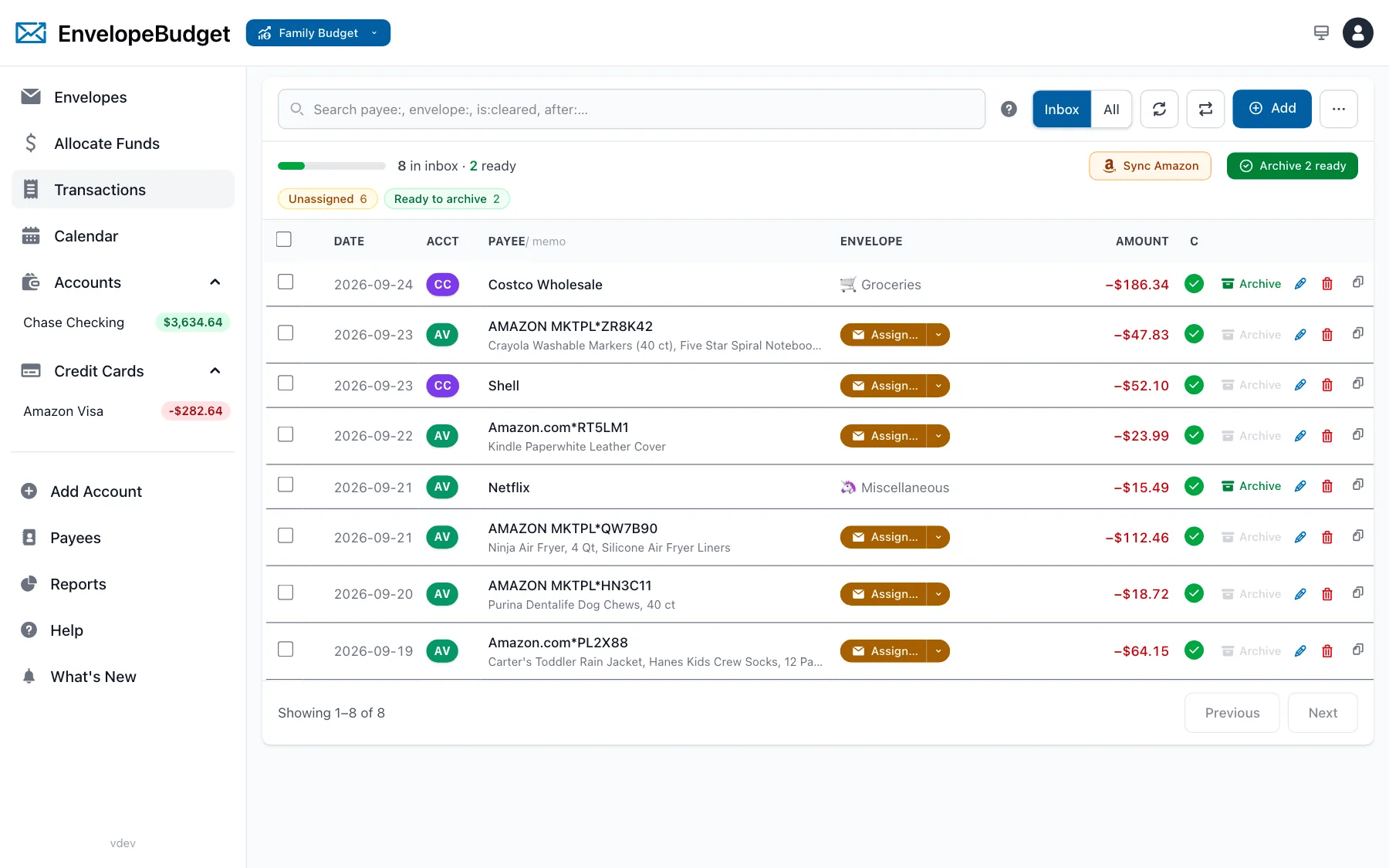
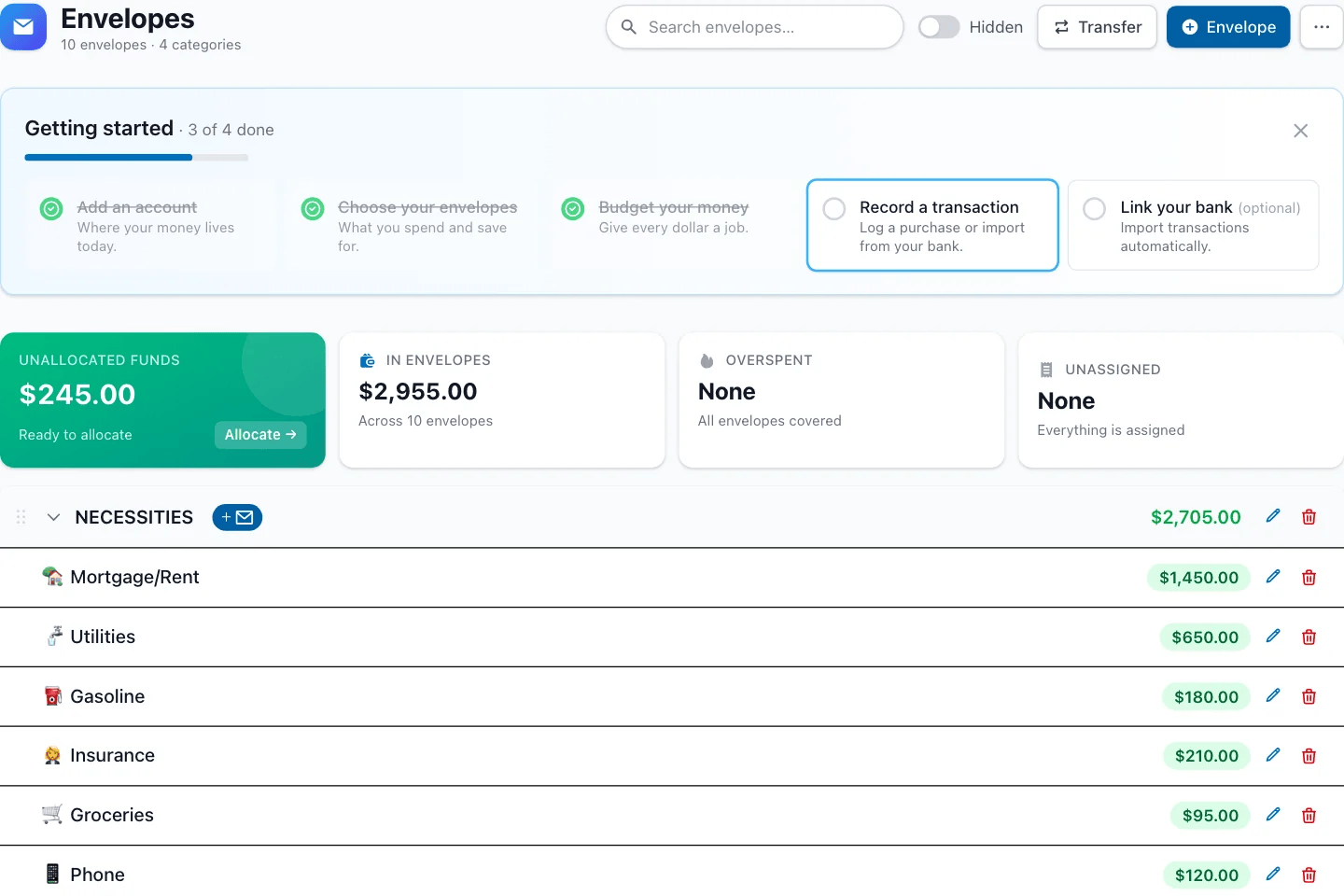
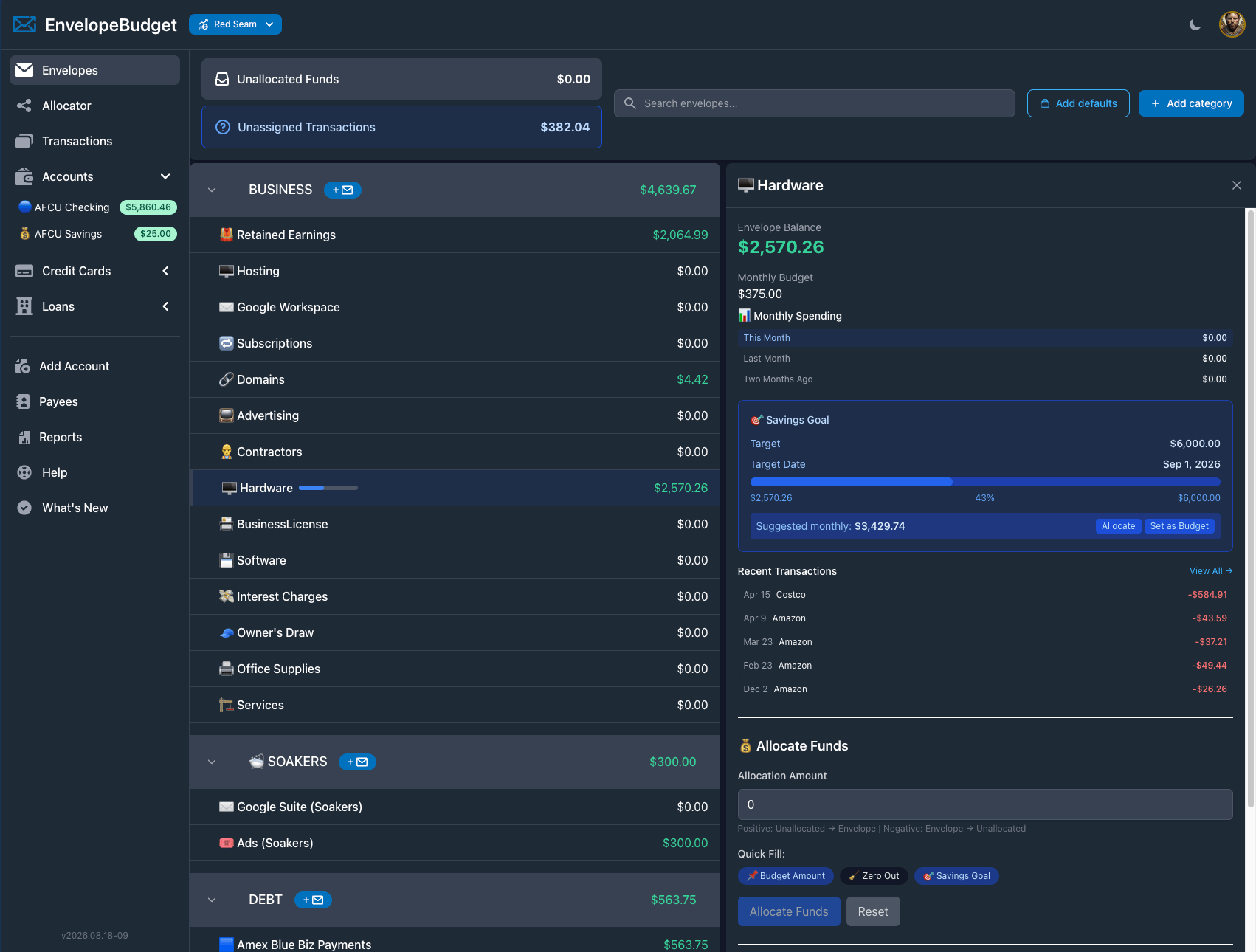
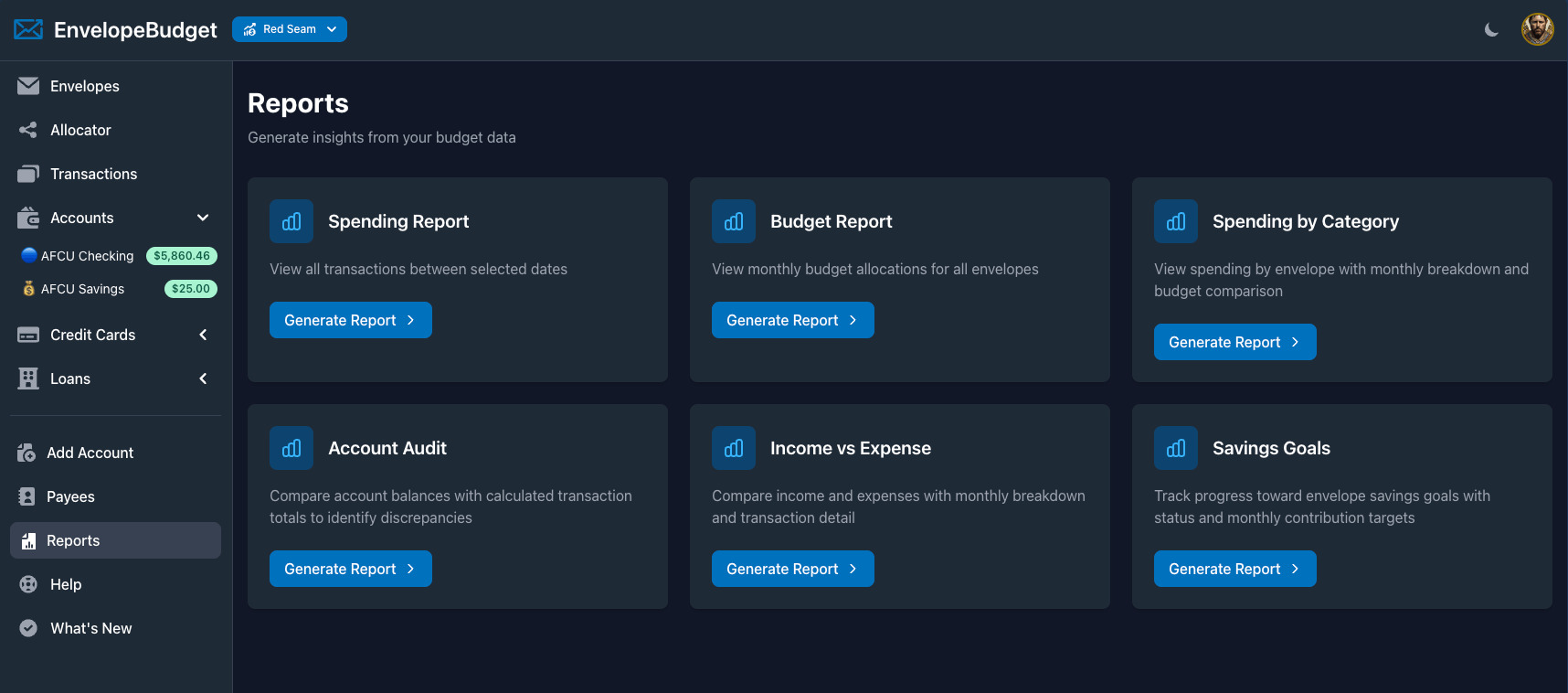
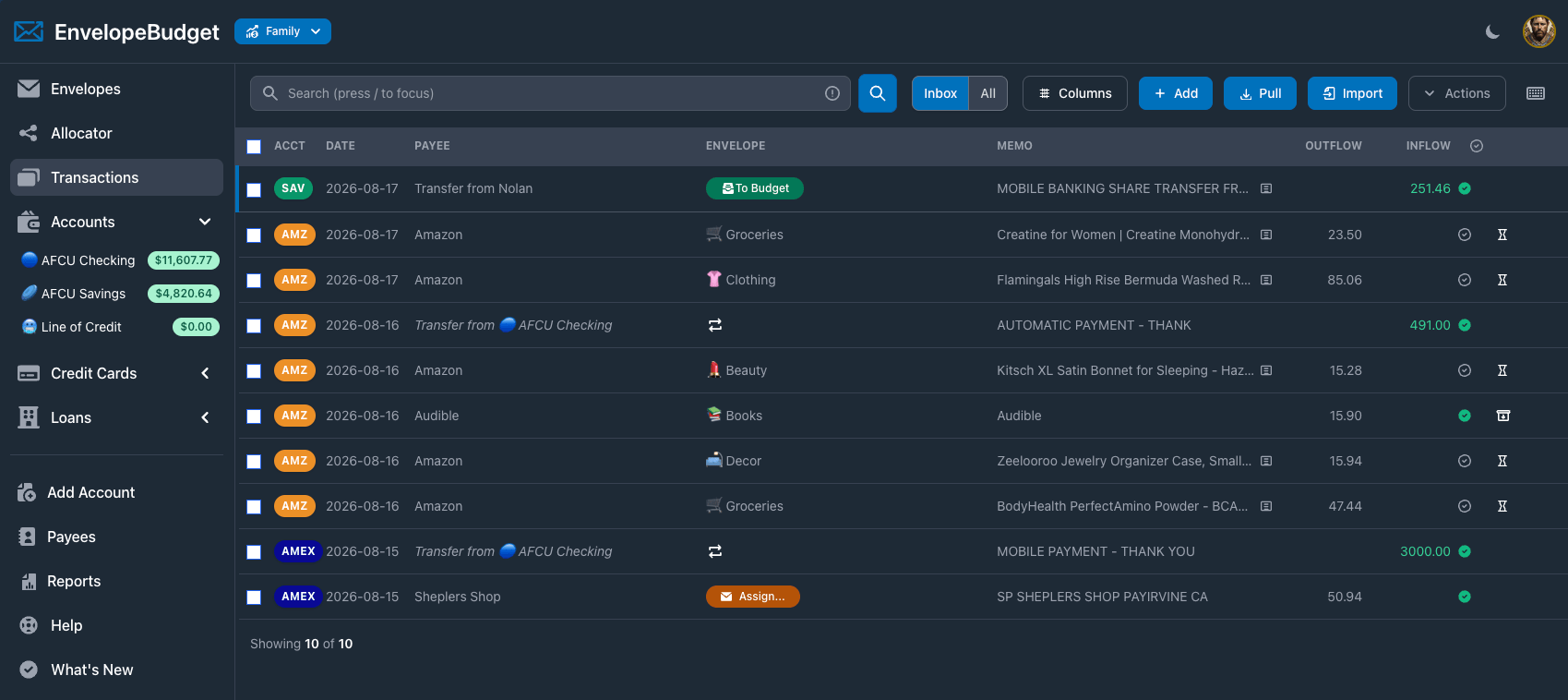
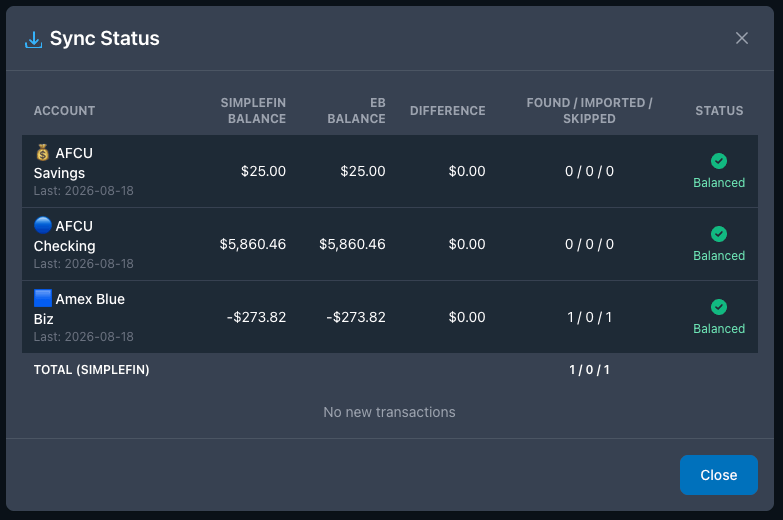
Real screens from the web app. Click a screenshot for the full-size PNG.






About EnvelopeBudget
Boilerplate you can paste as-is.
Short: EnvelopeBudget is an envelope budgeting app for web, iOS, and Android that helps people give every dollar a job and spend less time budgeting.
Long: EnvelopeBudget brings the classic cash-envelope method to your phone and browser. You split each paycheck into digital envelopes for bills, groceries, savings, and goals, then spend from those envelopes as transactions come in from your bank. Shared budgets keep couples and families on the same page, and an open API and MCP server let developers and AI assistants work with a budget directly. EnvelopeBudget is built by Red Seam, Inc. in Utah and grew out of Inzolo, an envelope budgeting app its founder launched in 2009.
Quick facts
- Company
- Red Seam, Inc.
- Founder
- Dustin Davis
- Headquarters
- Utah, USA
- Platforms
- Web, iOS, Android
- Pricing
- $4/month, $40/year, or $60 lifetime (first 500 founding members). 34-day free trial, no card required. Optional bank sync via SimpleFIN: +$1.50/month or $15/year. Full pricing
- Website
- envelopebudget.com
- Press contact
- questions@envelopebudget.com
Dustin Davis, founder
Software engineer and dad of five who has been building envelope budgeting apps since 2009. Read the story.