New: A Christmas Gift List That Lives in Your Budget
The new Christmas page in EnvelopeBudget keeps a gift list for every person and fills in what you spent from your real transactions. If you don’t use EnvelopeBudget, Christmas Ledger does the list part for free.

Every December for years, I've added a new tab to the same spreadsheet. One block per kid, a column for the gift idea, one for what I thought it would cost and one for what I actually paid. A list of neighbors to deliver to. A budget at the top.
It worked, but I typed every number twice: once in my budget when the charge came through, and again in the spreadsheet. This year I built the spreadsheet into EnvelopeBudget instead, so the second copy fills itself in.
Meet the Christmas page
You get one list per year. Each list has:
- A card for every person, with their gift ideas, what you expect each one to cost and what you spent.
- A stocking line on each card for the small stuff you'd otherwise forget.
- Other cards for anything that isn't one person: grandparents, teachers, Christmas cards and postage.
- A neighbor checklist you tick off as you deliver.
- One budget for the season, with what you've spent, what you still expect to spend and what's left.
Once a gift is bought, the amount you paid replaces your estimate in the expected total. So "left once everything is bought" stays honest as real prices come in.
Spent comes from your real purchases
This is the part a spreadsheet can't do. Click add under Spent and you can either type an amount or find the purchase in your budget. Pick the purchase, and the gift shows what you paid and where.
One order is rarely one gift. So a single purchase can be split across as many gifts as it covered.
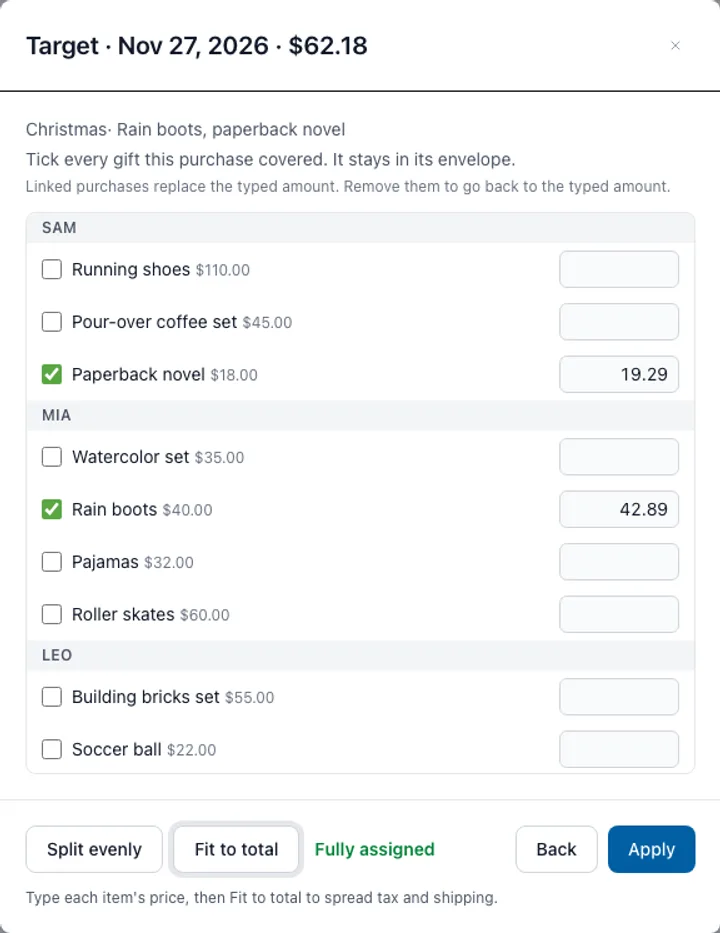
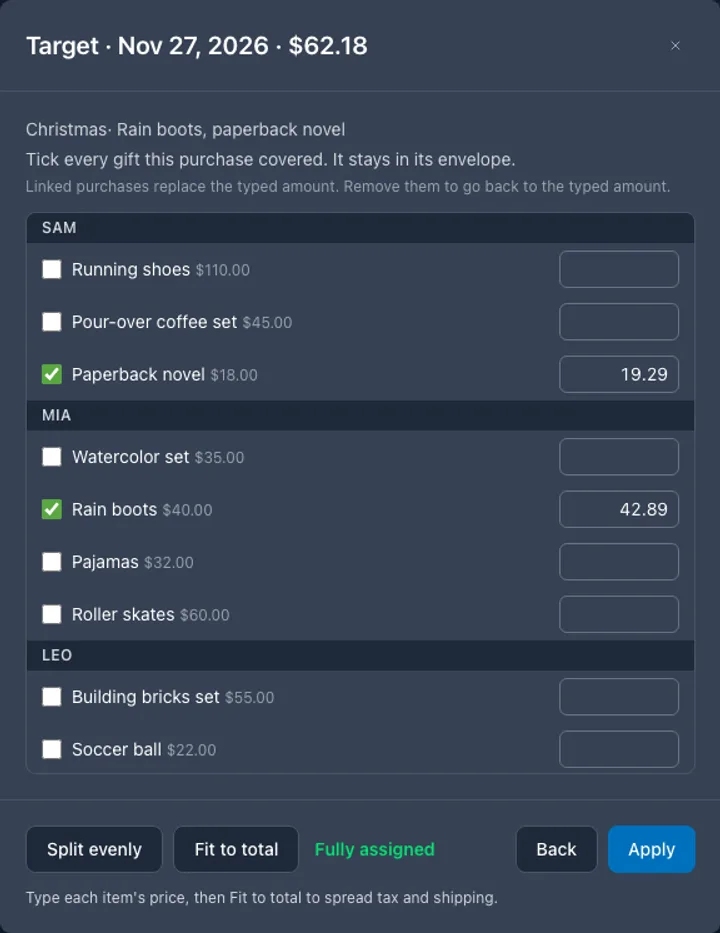
Tick each gift and type its shelf price. Fit to total spreads the tax and shipping across them in proportion, so the amounts add up to exactly what hit your card. Split evenly is there for the simple cases.
The purchase itself doesn't move. If the pajamas came out of your Clothing envelope, they stay in Clothing and still count toward Christmas. Your envelopes keep answering "where did the money come from", and the list answers "who was it for".
The tree, the stamps and everything else
Christmas costs more than gifts. If you keep a Christmas envelope, choose it at the top of the page. Any purchase from that envelope this year that you haven't assigned to a gift shows up under Unassigned Christmas spending and counts toward what you've spent.
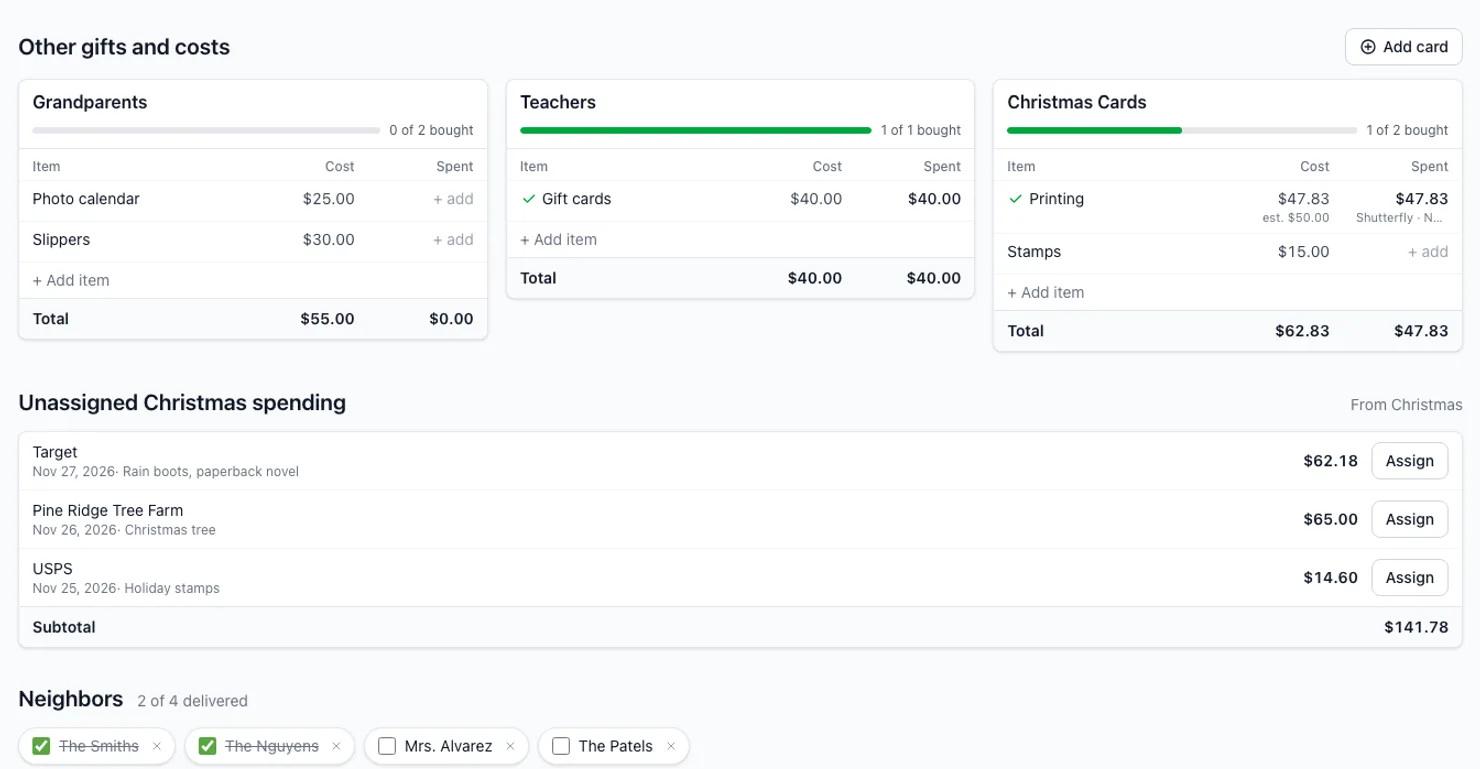
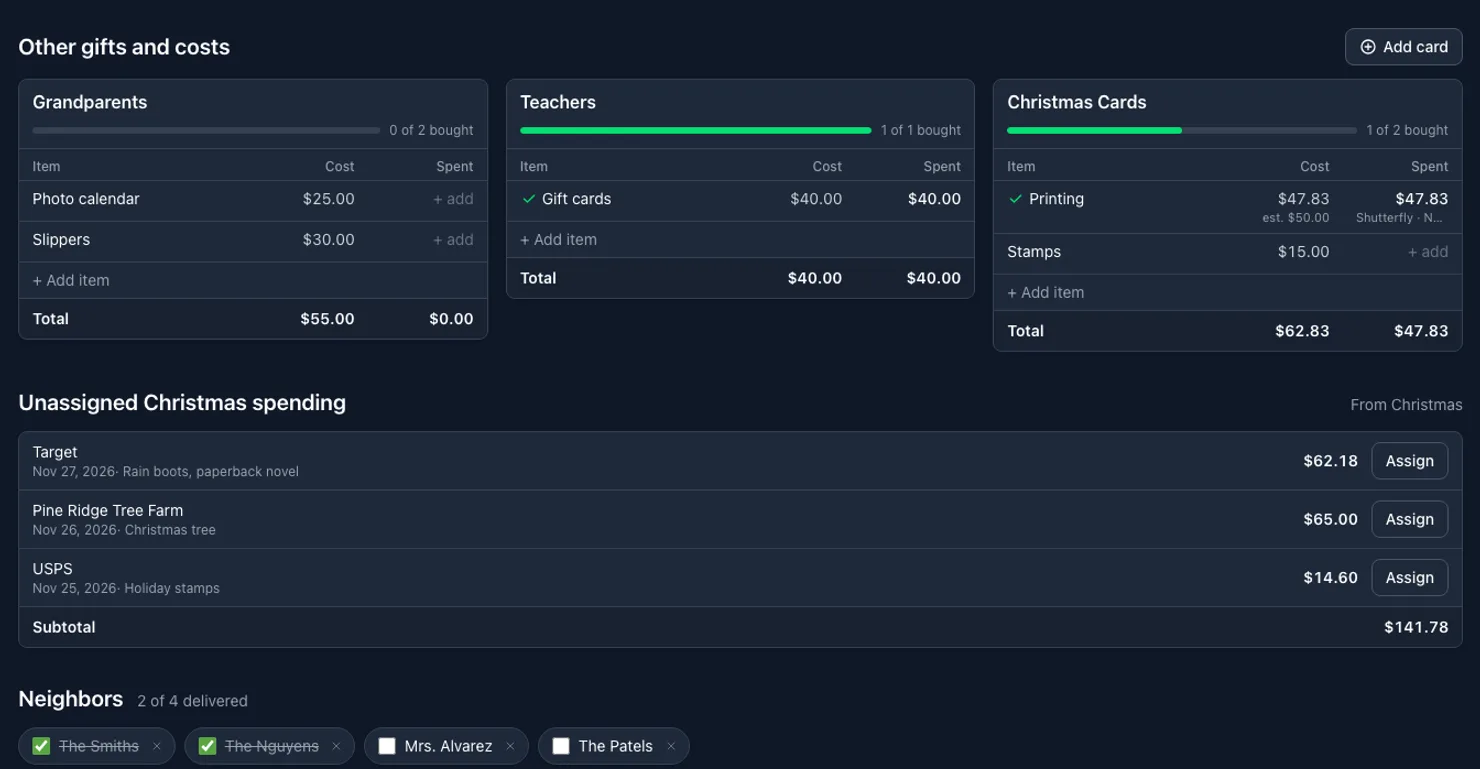
The tree and the stamps can sit there. They're already in the total. If one of those purchases was really a gift, click Assign and it moves onto the list.
No Christmas envelope yet? Here's how to work out a Christmas budget from the paychecks you have left, and how to save for it all year so next December is already paid for.
Next year takes one click
In November, open the page and start the new year from last year's list. Your people, your other cards and your neighbors come with you. Gift ideas for the family start fresh, and every past year stays in the Year menu so you can check what you gave Grandma last time.
Good to know
- It's seasonal. The Christmas link shows in the sidebar from November 15 to January 15. Change the dates, or pick Always or Never, under Profile → Integrations → Christmas tab.
- It's shared with your budget. Anyone with access to the budget can see the list. If your spouse shares the budget, keep their gift somewhere else.
- It's on the web app for now. The phone apps don't have a Christmas screen yet.
- Your AI assistant can help. If you've connected one to EnvelopeBudget, it can read the list, add gift ideas and split a purchase across gifts when you tell it who got what. Changes to the list need a separate permission that you turn on.
Don't use EnvelopeBudget? Christmas Ledger is free
Most people who want a Christmas list don't want to change budgeting apps in December. So we also built Christmas Ledger, a free gift and spending tracker that stands on its own. Consider it our Christmas gift to you.
Christmas Ledger has no bank connection, so you type what you spent. In exchange it's built for the phone in your hand at the store:
- A list for every person, with planned and spent side by side.
- One budget for the season that updates as you add gifts.
- A status for each gift: idea, bought, arrived, wrapped. On December 23rd you know what still needs paper.
- A side-by-side view that shows whether the kids are coming out even.
- A neighbor checklist, plus a place for the tree, the ham and the cards.
- Your list carries forward each year, and you can look up everything you've given one person.
It's free, with no ads and no card, and your list is private to your account. You don't need an EnvelopeBudget account to use it.
There are a few free tools on the site that don't need an account at all: a Christmas budget calculator, a printable gift list template and a guide to the four gift rule.
Which one should you use?
- You already budget in EnvelopeBudget: use the Christmas page. Your purchases are already there, so the list mostly fills itself in.
- You want a gift list and nothing else: use Christmas Ledger. It takes about a minute to start.
- Christmas surprised your bank account again this year: start with Christmas Ledger now, then give Christmas its own envelope in January. Start your 34-day free trial and next year's list will already be funded.
Merry Christmas from all of us at EnvelopeBudget.
Frequently asked questions
Where is the Christmas page in EnvelopeBudget?
In the web app sidebar, between November 15 and January 15. You can change those dates, or show the link all year or never, under Profile, then Integrations, then Christmas tab.
Do Christmas gifts have to come out of one envelope?
No. A purchase stays in whatever envelope you gave it. Pajamas bought from Clothing can still count toward a gift on your Christmas list.
Can one purchase cover gifts for several people?
Yes. Tick each gift the purchase covered and enter its price. Fit to total spreads tax and shipping across them so the amounts add up to what you were charged.
Who can see my Christmas list?
Everyone who has access to that budget. If your spouse or kids share the budget, they can see the gifts on the list.
Is Christmas Ledger really free?
Yes. Christmas Ledger has no paid plan, no trial and no ads. It is a separate site from EnvelopeBudget, and you don’t need an EnvelopeBudget account to use it.